What is Construction Time Tracking?
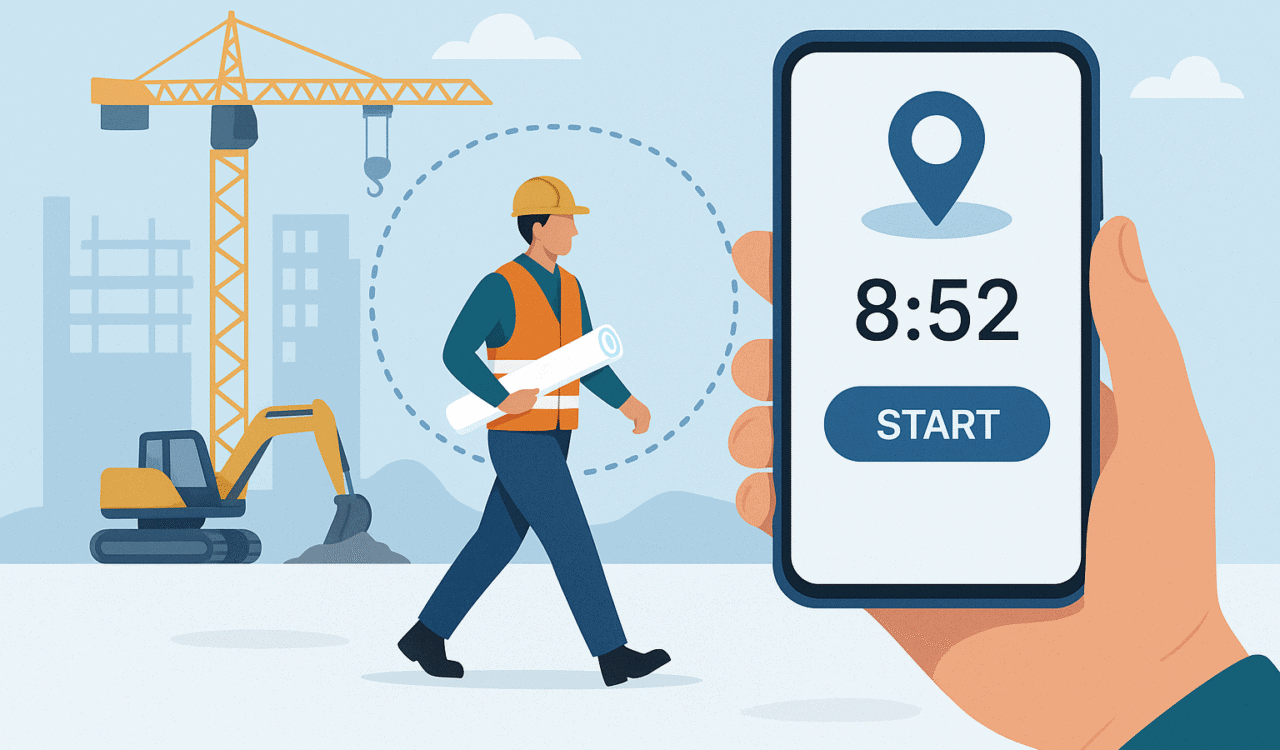
Unlike traditional office clock-ins, time tracking for construction requires managing decentralized crews, shifting job perimeters, union wage tiers, and complex prevailing wage regulations. Modern construction tracking replaces paper timesheets with digital location validation, ensuring field hours align directly with labor output and project job-costing.
Effective construction time tracking captures critical operational milestones:
- Mileage, equipment usage, and transit time between multiple project sites.
- On-site check-ins and check-outs via geofenced perimeters.
- Mid-shift transfers between different tasks, trades, or cost codes.
7 Core Time Tracking Best Practices for Construction Crews
To maximize adoption among field workers while keeping data strictly accurate for payroll and accounting, contractors should apply these time tracking best practices:
1. Automate On-Site Check-Ins with GPS Geofencing
Set up polygon-shaped virtual perimeters around active sites. Instead of continuous background location tracking—which causes battery drain and worker privacy concerns—configure software to log GPS location only during specific events (Clock In, Switch Task, Start Break, Clock Out).
2. Standardize Cost Codes in the Field
Limit the active cost-code options visible to field workers to 5–7 active tasks per shift. Restricting choices minimizes selection errors on site and preserves the integrity of job-cost accounting data.
3. Deploy an Offline-First Mobile Solution
Underground sites, remote developments, and job sites with heavy scaffolding frequently lose cellular service. Use a mobile application that records time-stamps locally in device memory and automatically uploads data to the cloud once connectivity returns.
4. Provide Flexible Clock-In Methods for Mixed Crews
To accommodate different worker roles and device availability, support multiple entry points:
- Individual Mobile App: For tradespeople using personal or company-issued smartphones.
- Foreman Kiosk Tablet: Enables site supervisors to clock in an entire crew using photo verification or PIN entries.
- SMS / IVR Check-In: Allows crew members without smartphones or data plans to check in via text or phone call.
5. Establish Daily Supervisor Sign-Offs
Require foremen to review and approve daily time logs before leaving the job site. Catching cost-code errors or missing punches at the end of each shift prevents end-of-week payroll disputes.
6. Connect Field Data Directly to Payroll & ERP
Eliminate manual administrative re-entry by syncing field time entries directly into accounting platforms like Trimble, Sage, QuickBooks, Procore, ADP, or Foundation. Direct integration cuts payroll processing cycles from days to minutes.
7. Maintain Transparent GPS Privacy Policies
Build crew trust by explicitly documenting your data policies. Reassure workers that location capture occurs only while clocked in on active job sites, protecting personal privacy off the clock.
What is the Best Time Tracking Software for Construction?
When contractors evaluate what is the best time tracking software for construction, standard office time-tracking tools fall short. The ideal solution must combine physical site verification, deep payroll integration, and zero-friction mobile usability for field crews.
Core Requirements for a Construction Time Tracking App
| Essential Feature | Operational Impact | Business Benefit |
| Polygon Geofencing | Auto-verifies location upon arrival/departure. | Eliminates off-site clock-ins and “buddy punching”. |
| Offline Local Caching | Logs punches without cellular or Wi-Fi coverage. | Prevents data loss on remote or underground sites. |
| Cost-Code Tracking | Ties hours worked directly to specific project tasks. | Improves future project bidding accuracy. |
| Photo Check-In | Captures photos or PINs on supervisor tablets. | Prevents time theft on shared site tablets. |
Scaling Field Operations with allGeo
A modern construction time tracking app like allGeo is built specifically for mobile field workforces. By offering zero-touch geofence check-ins, automated cost-code tagging, offline synchronization, and direct ERP connectivity (Trimble, Sage, ADP), allGeo helps general contractors reduce payroll processing time by up to 70% while maintaining 99%+ job-costing accuracy.